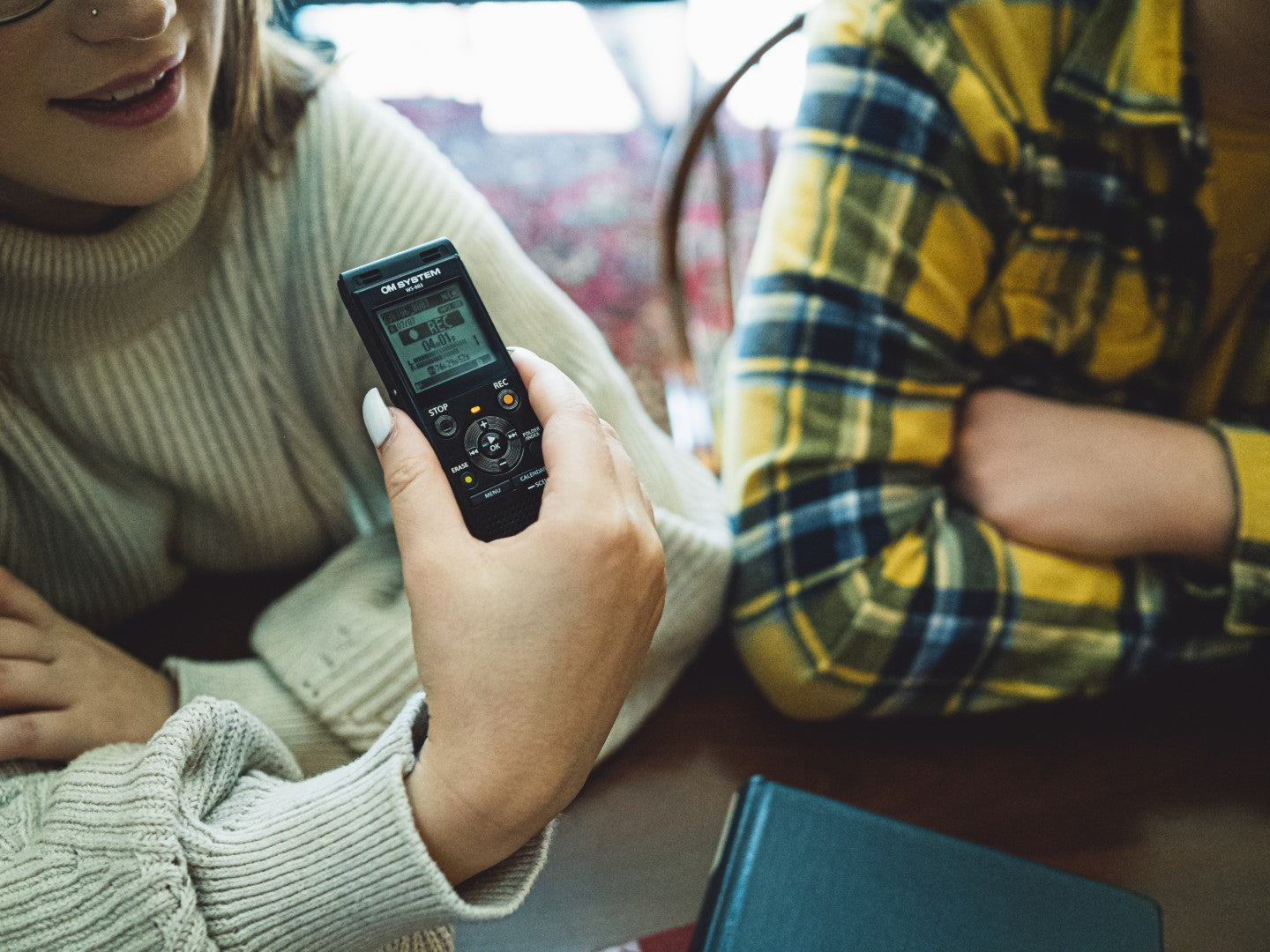
A digital recorder is an essential tool for professionals who rely on precise audio capture. Whether you're a journalist, a podcaster, or a field researcher, maintaining your device is crucial to ensure it performs optimally and lasts longer. Proper care not only saves money but also reduces downtime, allowing you to focus on your work without interruptions.
Cleaning Your Digital Recorder
Keeping your digital recorder clean is vital for its longevity and performance. Dust, fingerprints, and debris can accumulate over time, affecting sound quality and device functionality. Here's how to clean audio equipment safely:
-
Use a Microfiber Cloth: Gently wipe the exterior of the recorder with a dry microfiber cloth to remove dust and fingerprints. Avoid using paper towels or rough fabrics that might scratch the surface.
-
Compressed Air: For hard-to-reach areas, such as buttons and ports, use compressed air to blow away debris. Hold the can upright to prevent moisture from entering the device.
-
Isopropyl Alcohol: Dampen a cotton swab with 70% (or higher) isopropyl alcohol to clean around buttons and connectors. Ensure the swab is not dripping wet to avoid liquid damage.
Battery Care
Proper battery maintenance can significantly extend the life of your digital recorder. Here are some tips:
-
Avoid Full Discharges: Try not to let the battery fully discharge before recharging. Lithium-ion batteries, commonly used in digital recorders, last longer when kept between 20% and 80% charge.
-
Use Approved Chargers: Always use the charger provided by the manufacturer or a certified replacement. Unapproved chargers can damage the battery and reduce its lifespan.
Firmware Updates
Firmware updates are crucial for maintaining your recorder's performance. They often include bug fixes, new features, and performance improvements. To update your firmware:
-
Check the Manufacturer's Website: Visit the official website to find the latest firmware updates for your model.
-
Follow Instructions Carefully: Each update may have specific instructions. Follow them closely to ensure a successful update.
Storage and Transport
Proper storage and transport can prevent damage to your digital recorder:
-
Use Protective Cases: Invest in a sturdy case to protect your recorder from physical damage during transport.
-
Temperature Control: Store your recorder in a cool, dry place. Avoid exposing it to extreme temperatures, which can affect battery life and internal components.
Troubleshooting Common Issues
Even with regular maintenance, issues can arise. Here are some simple troubleshooting tips:
-
Frozen Device: If your recorder freezes, try a soft reset by removing the battery (if possible) and reinserting it.
-
Slow Response: Clear unnecessary files and ensure the firmware is up to date to improve performance.
When to Service or Replace
Knowing when to service or replace your digital recorder is key to maintaining professional standards:
-
Lifespan Indicators: If you notice degraded microphone quality or frequent malfunctions, it might be time for a professional service or replacement.
Eco-Friendly Disposal
If your digital recorder is beyond repair, dispose of it responsibly:
-
Recycling Programs: Many manufacturers offer recycling programs for old electronics. Check if your recorder's brand provides such a service.
FAQs
How often should I get my digital recorder serviced?
Regular servicing is recommended every 12-18 months, depending on usage. Frequent users may require more frequent check-ups.
What should be avoided when cleaning a digital recorder?
Avoid using water or harsh chemicals. Stick to isopropyl alcohol and microfiber cloths to prevent damage.
How should I store my digital recorder?
Store your recorder in a cool, dry place away from direct sunlight or extreme temperatures. Use a protective case to prevent dust and scratches.
Can I use rechargeable batteries in my digital recorder?
Yes, most digital recorders support rechargeable batteries. Check the manual to ensure compatibility and always use high-quality batteries.
What should I do if my digital recorder isn’t turning on?
Check the battery compartment to ensure the batteries are inserted correctly and fully charged. If the issue persists, consider resetting the device or consulting a professional.
How can I improve the audio quality of my recordings?
Place your recorder closer to the sound source, minimise background noise, and use an external microphone if possible. Adjust the settings to match your recording environment.
Is it safe to update the firmware on my digital recorder?
Yes, updating the firmware is recommended to improve performance and fix bugs. Follow the manufacturer's instructions carefully to avoid any issues.
Conclusion
Preventive care is essential for maintaining the professional standards of your digital recordings. By following these maintenance tips, you can ensure your digital recorder remains reliable and efficient. For support, repairs, or upgrade recommendations, contact DMCL. Keeping your equipment in top condition will ultimately save you time and money, allowing you to focus on what matters most: capturing high-quality audio.